



Working from home is the ultimate professional perk. But for many, that comfort has come at a steep price. On the one hand, people will forget the time when working, causing a body forced into unnatural positions for 40+ hours a week. On the other hand, they don’t have the economic furniture found in corporate offices. In this guide, Sunaofe will show you how to audit your current setup and leverage our adaptive home furniture to pay off your posture debt once and for all.
Assess Your Body
Most people don’t realize their setup is failing until they experience chronic pain, but your body provides visual "tells" long before the first ache. Improving your posture at home starts with an honest assessment. Look for these three critical red flags:
- "Forward Head" (Tech Neck)
- "Potbelly" Paradox (Caused by Anterior Pelvic Tilt)
- "Uneven Lean." (Check your seat pan)
If you checked even one of these boxes, your current home office setup is likely in "Posture Debt."

90-90-90-90 Framework: A Gold Rule for Home Office
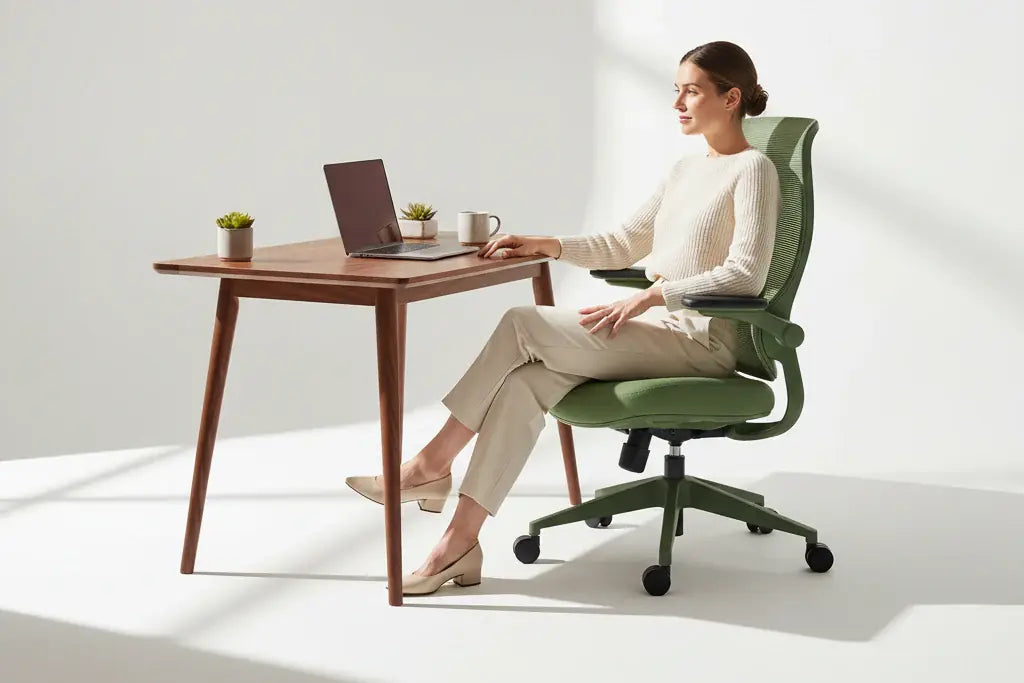
If you want to master your WFH setup, you need to understand the "Golden Ratio" of human seating. We call this the 90-90-90-90 Framework. When your joints are stacked at these precise right angles, your skeleton carries your weight, allowing your muscles to finally "switch off."
For a deep dive into why these angles are the bedrock of focus, check out our comprehensive guide on the 90-90-90 rule: the golden ratio of office productivity.
- Angle 1: Torso should be perpendicular to your thighs.
WFH Fail: Slumping forward or sliding your hips to the edge of the seat. This creates a "C-curve" that "pinches" the L4 and L5 vertebrae, leading to long-term disc compression.
- Angle 2: Your thighs should be parallel to the floor, creating a clean bend at the knee.
WFH Fail: Tucking your feet under the chair or crossing your legs.
- Angle 3: The feet must be flat on the floor, with the shins vertical.
WFH Fail: Dangling feet.
- Angle 4: The elbows should be tucked near your ribcage, bent at 90 degrees, so your forearms rest parallel to the floor.
WFH Fail: "The Reach."
"External" Solution—Sunaofe Ergonomics
In the two sections above, we identified the "Internal" habits that lead to slouching. But here is the hard truth: you cannot maintain a "Neutral Spine" if your furniture is fighting against your anatomy. This is the External part of the system.
Sunaofe furniture is designed to be the "silent partner" in your posture health, bridging the gap between medical theory and your actual workday.
Adaptive Lumbar Factor (Morph Collection)
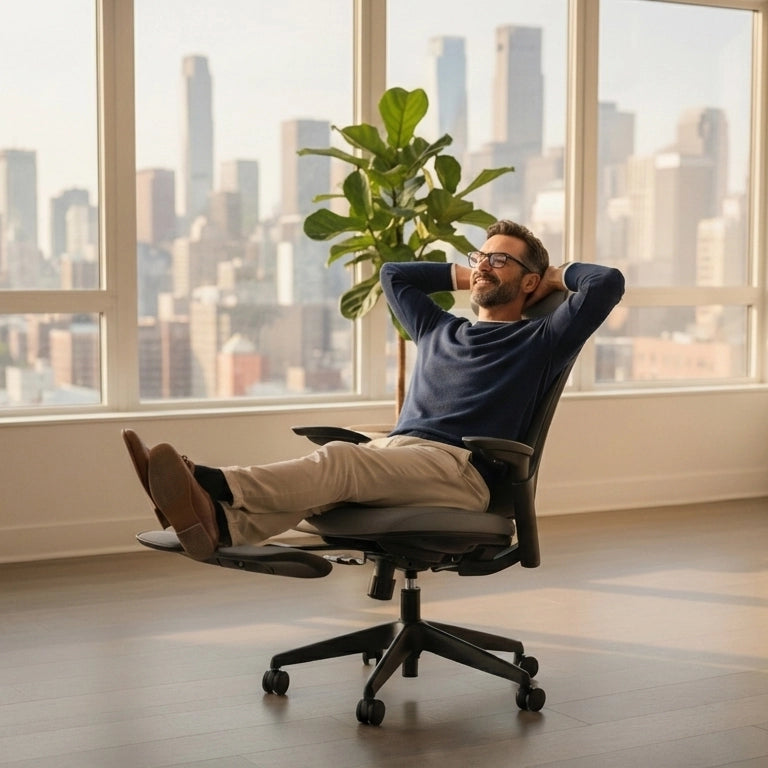
Most office chairs feature "static" lumbar support—a fixed plastic curve that only fits you if you sit perfectly still in one specific spot. But human work is dynamic; we lean forward to focus and recline to take calls.
Sunaofe Pros: The Morph Collection office chair features an Auto-Tracking Lumbar System. Unlike a static chair, this support moves with your spine. When you shift your weight, the lumbar piece maintains contact with your lower back, closing the "Lumbar Gap" and preventing the Anterior Pelvic Tilt (the "Potbelly" effect) we discussed earlier.

Ultra-Wide Height Range (The Lunar Desk)
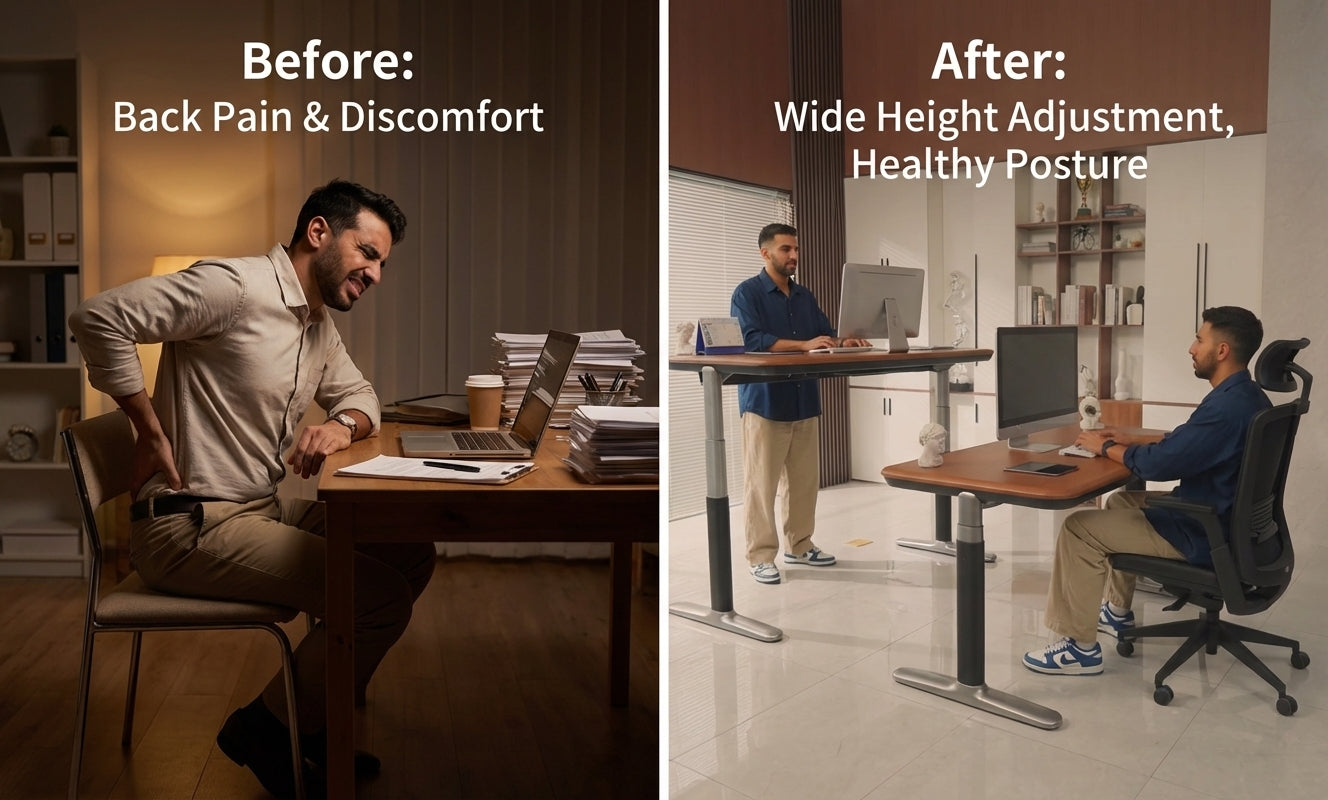
One of the most common reasons for poor posture WFH is a desk that is too high. Standard desks sit at 29–30 inches, forcing shorter users to either raise their chairs (causing their feet to dangle) or lower them (causing their elbows to flare).
Sunaofe Pros: The Lunar Standing Desk is engineered with an ultra-wide height range. It can drop significantly lower than standard desks, ensuring that users of all heights can keep their feet grounded at a 90-degree ankle angle while keeping their keyboard at a 90-degree elbow angle.

Solving the "Eye-Level" Crisis with Monitor Arms
If your monitor is sitting on your desk, you are likely "turtling"—leaning your neck forward and down to read. This is the primary driver of "Tech Neck."
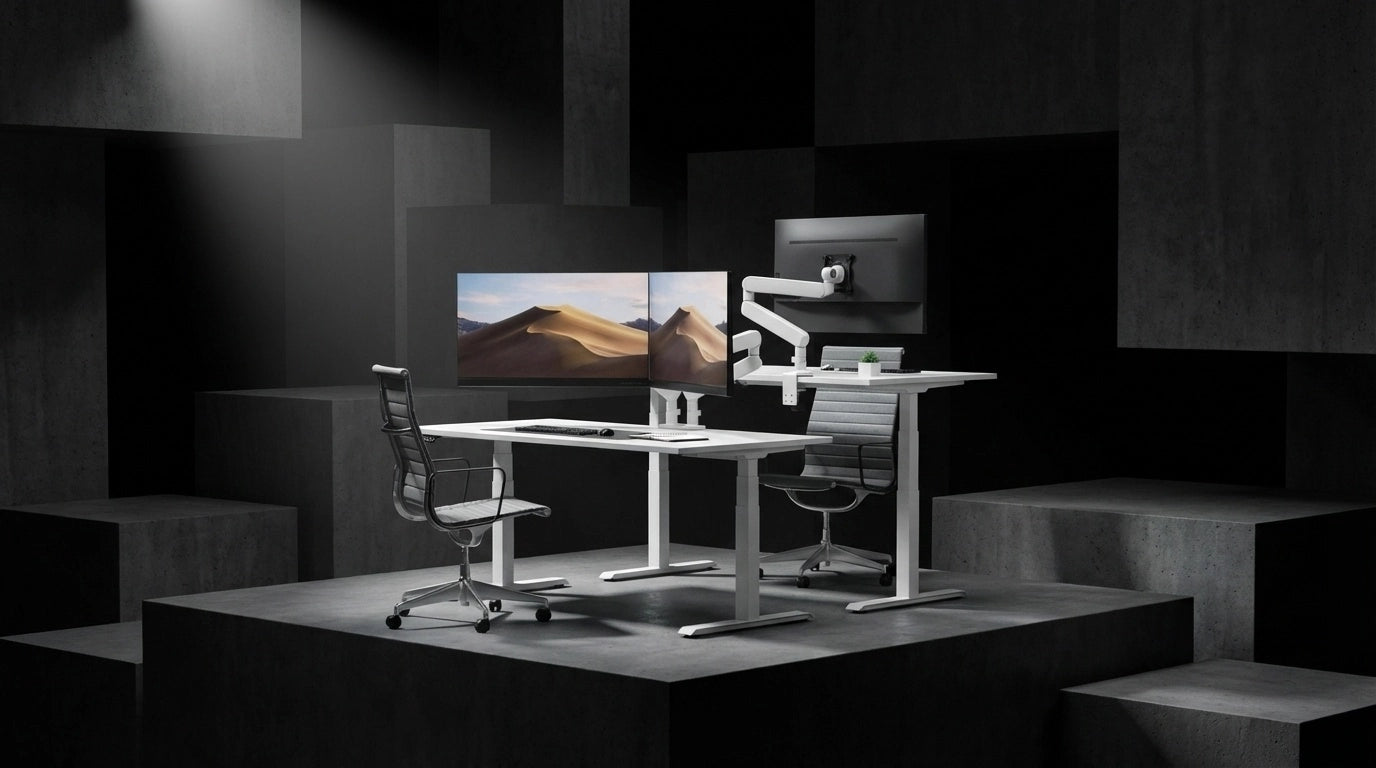
Sunaofe Pros: By integrating our modular Monitor Arms, you can bring the screen to your eyes rather than bringing your eyes to the screen. This allows you to keep your head stacked over your shoulders, immediately paying off a massive chunk of your "Posture Debt."

From "Static" to "Dynamic" Sitting
The best posture isn't a single position; it's the next position. Sunaofe’s ecosystem encourages Dynamic Sitting. In their ergonomic chairs, the seat and backrest move in a coordinated ratio. This ensures that even when you recline, your feet stay on the floor and your hips stay supported, keeping you within the "Neutral Zone" at all times.
"Active Sitting" Strategy
"Golden Ratio" of 90-90-90-90 is your home base, but your best posture is always your next posture. Even with the most advanced ergonomic tools, the human body wasn't designed to stay perfectly still. To truly improve your posture while working from home, you must transition from static sitting to an "active" workflow.
1. Sit-Stand Interval
Follow the 50/10 Rule. Sit for 50 minutes in your optimized 90-degree position, then use the Lunar’s memory presets to transition to standing for 10 minutes. This shift resets your spinal load and re-engages your core and glutes.
2. "Scapular Squeeze" (The 30-Second Reset)
Every time you finish a meeting or a deep-work block, perform a scapular squeeze. Sit tall, pull your shoulder blades back and down as if tucking them into your back pockets, and hold for 10 seconds.
3. Proprioceptive Awareness
Improving posture is a mental game. You need to retrain your brain to "feel" when you’ve drifted from your neutral spine. Use that tactile feedback as a physical cue to reset your 90s.
Tips: Do you experience “Couch Office”, taking the laptop to the couch or the bed? Sunaofe cautions that sitting on a sofa for work forces your spine into a curve, putting 2x the pressure on your discs than when standing. So, if you have, please stop doing that.
Improving your posture while working from home is not about a single "hack" or a reminder on your phone. It is about closing the gap between Internal habits and the external. For internal habits, it requests implementing the 90-90-90-90 Framework and retraining the proprioception to recognize the bad postures. By utilizing adaptive tools like the Sunaofe Morph Chair and Lunar Desk to optimize the working environment.

Hinterlasse einen Kommentar
Alle Kommentare werden vor der Veröffentlichung geprüft.
Diese Website ist durch hCaptcha geschützt und es gelten die allgemeinen Geschäftsbedingungen und Datenschutzbestimmungen von hCaptcha.