



Introduction
The late summer "Back to Work" season of 2026 has signaled a definitive shift in the professional landscape. For software engineers, data scientists, and creative professionals, the era of the neon-soaked, RGB-heavy "battlestation" is rapidly fading. In its place, a new standard has emerged: high-performance minimalism. As we move into the final quarter of the year, the focus has pivoted toward cognitive clarity, sustainable productivity, and the kind of workspace architecture that supports a long-term career rather than a fleeting aesthetic trend.

Building the best desk setup for programmers is no longer about how many LEDs you can fit into a corner; it is about curating an environment that protects your physical health and minimizes mental friction. When your workspace is stripped of unnecessary clutter and replaced with intentional, functional design, the result is a deeper "flow state." Developers are increasingly trading flashy, distracting peripherals for warm textures—like natural wood tones—and ergonomic tools that prioritize long-term physical well-being.
This transition is driven by a growing awareness that a desk setup is an investment in professional longevity. With remote work remaining a stable fixture for nearly a quarter of the US workforce, the home office has evolved from a temporary workaround into a primary place of business. Just as an athlete relies on precision equipment, a developer’s ability to maintain focus over an eight-hour shift depends on the synergy between their chair, their monitor positioning, and their input devices.
Effective workspace design in 2026 relies on three core pillars:
- Ergonomic Integration: Prioritizing active, dynamic support for the spine to mitigate the physical strain of prolonged coding sessions.
- Minimalist Utility: Clearing desk real estate through modular mounting systems, allowing for a cleaner, more organized surface that reduces visual noise.
- Tactile Quality: Moving toward hardware that offers superior feedback and reduced fatigue, such as high-precision switches and adjustable furniture that adapts to individual body mechanics.
Creating a professional environment does not require a complete overhaul overnight. Instead, it involves making deliberate choices that favor long-term health and efficiency. By focusing on the fundamentals—alignment, cable management, and intentional space usage—you can build a setup that feels less like a distraction and more like a tool for professional excellence. As we look toward the demands of the coming months, the most successful setups will be those that prioritize the human element, ensuring that your environment works as hard as you do.
The Shift to High-Performance Minimalism
The transition toward high-performance minimalism is rooted in the psychology of "flow." When a workspace is cluttered with excess cables, aggressive lighting, and non-essential gear, the brain spends unnecessary energy filtering out visual noise. For those writing complex code or debugging for hours, this creates a layer of mental fatigue that manifests long before the workday ends.
Cultivating Cognitive Clarity
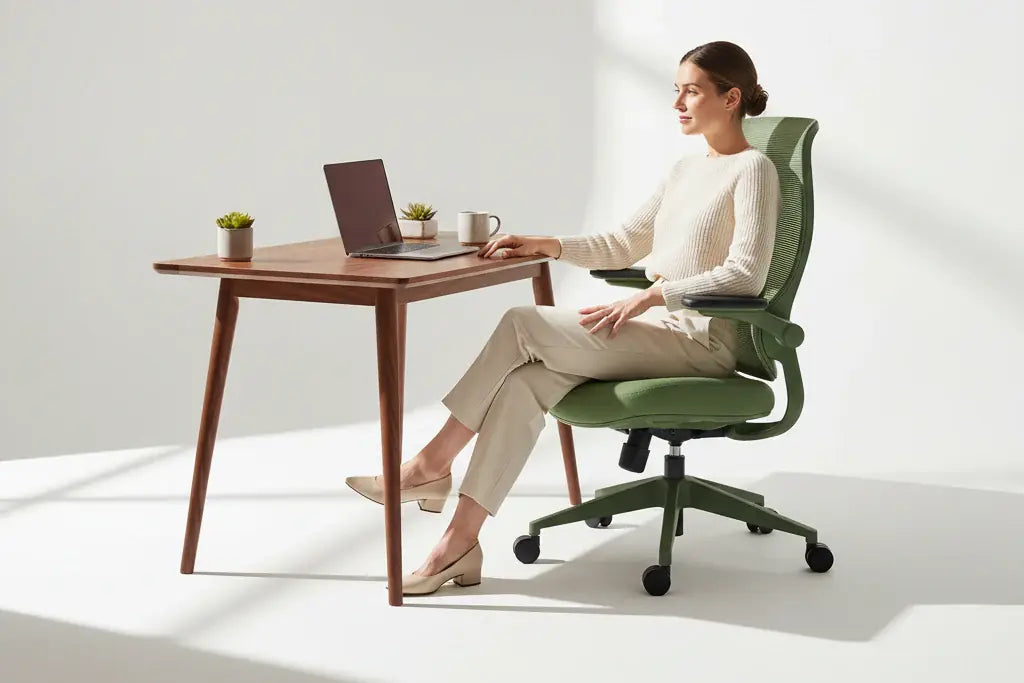
High-performance minimalism is not about stripping a desk down to a bare surface; it is about intentionality. By replacing chaotic, LED-heavy aesthetics with warm, natural textures—such as walnut wood grains or matte, neutral-toned furniture—you create a grounding environment. This shift helps the brain transition from the high-intensity digital demands of coding into a state of sustained, calm focus.
Minimalist workspace ideas for remote programmers often revolve around three core principles: * Visual Uniformity: Using monochromatic color palettes reduces cognitive load. A consistent color scheme across your chair, desk, and accessories creates a cohesive "command center" that feels professional rather than overwhelming. * Surface Efficiency: Reclaiming desk real estate is vital. Mounting monitors on arms, rather than utilizing bulky factory stands, clears the visual field and allows for a more fluid interaction with your peripherals. * Tactile Quality: The move toward high-quality materials, such as premium vegan leathers or breathable high-elastic mesh, provides physical comfort that lasts through the entire day without the need for constant adjustment.
Balancing Digital Intensity
Coding marathons are inherently static, making the physical environment a critical factor in career longevity. When you spend significant time in a seated position, your equipment should act as an extension of your body. The current industry standard for the best desk setup for programmers prioritizes ergonomics that adapt to the user rather than forcing the user to conform to a rigid structure.
Integrating natural elements into this setup serves as a necessary counterweight to the "digital-only" nature of the work. Soft, ambient lighting and clean, functional lines in your furniture help bridge the gap between a sterile home office and a creative studio. By removing the visual "clutter" of unnecessary tech, you allow your focus to remain entirely on the screen, reducing eye strain and mental distraction.
This design philosophy focuses on the long-term health of the professional. By investing in modular, adjustable tools, you ensure that your workspace can evolve alongside your career requirements, maintaining its utility through changing projects and hardware upgrades. Prioritizing these functional, understated elements creates a space where the technology serves the work, rather than the work becoming a struggle against the environment.

The Ergonomic Foundation: Investing in Your Career
A chair is the most significant hardware component in any professional workspace. When building the best desk setup for programmers, viewing the seating choice as a career-longevity investment rather than a standard piece of office furniture is essential. For those who spend the majority of their day in a "flow state," physical support is the difference between sustainable output and chronic discomfort.
The Anatomy of Long-Term Comfort
Deep work sessions often involve hours of static posture, which places continuous pressure on the spine. Traditional seating often fails to adapt as a person shifts, leans, or reaches for peripherals, leading to the gradual onset of fatigue. Ergonomic chairs designed specifically for extended coding sessions prioritize active alignment, ensuring that the body receives consistent support regardless of the angle or duration of the work.
Precision Support for Flow States
The primary challenge of a long coding session is maintaining proper posture as focus intensifies. When a developer is deep into complex logic, they may unconsciously slouch or lean forward, pulling the spine out of its natural, healthy curvature. Advanced ergonomic systems address this through dynamic, responsive engineering.
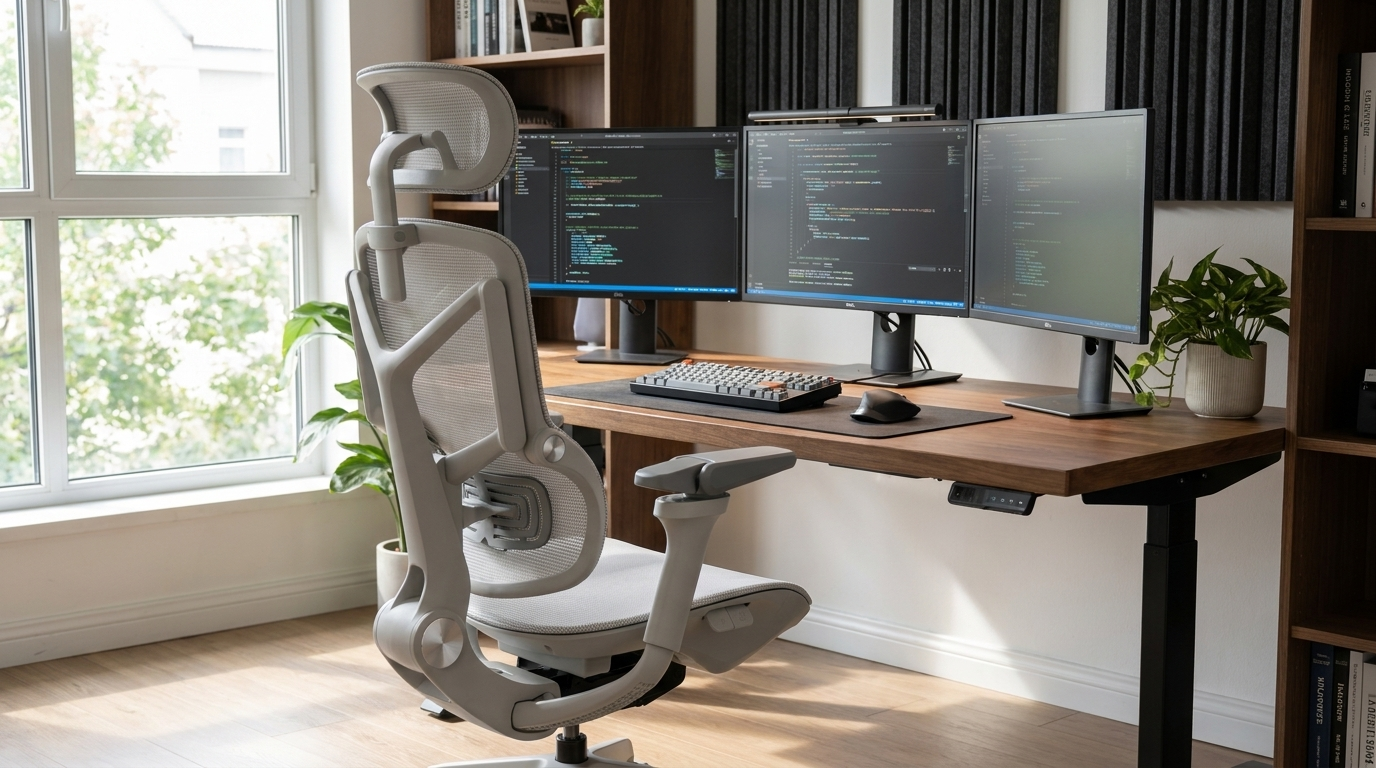
The Morph collection utilizes an auto-tracking lumbar system designed to bridge the gap between the chair and the user’s spine. This mechanism functions by continuously adjusting its tension and position to match the natural movements of the back. By providing constant, active alignment, the chair mitigates the physical strain typically associated with prolonged sitting, allowing the user to maintain their focus on the screen rather than their own discomfort.
Strategic Adjustability
Beyond lumbar support, a high-performance chair must accommodate a diverse range of physical requirements. Key features that define a professional-grade chair include: * Dynamic Tracking: A backrest that mirrors the spine’s movement, reducing the need for manual adjustments during intense work. * Armrest Versatility: 7D adjustable armrests allow for precise positioning, which is critical for reducing shoulder and wrist strain during long typing sessions. * Adaptive Recline: A multi-stage locking base that offers a wide range of motion, enabling a quick transition from a focused upright posture to a relaxed, reclined position for brainstorming or reviewing code.
By selecting seating that prioritizes these ergonomic principles, developers can build a foundation that supports their health, comfort, and professional performance for years to come. Investing in high-quality, adjustable furniture is not merely about luxury—it is a functional requirement for those who rely on their physical well-being to sustain a long-term career in technology.
Optimizing Desk Space for Coding Productivity
Surface area is a premium commodity for the modern developer. When your desk is crowded with laptop stands, bulky monitor bases, and a tangle of charging cables, your physical range of motion is restricted, and your cognitive load increases. Achieving the best desk setup for programmers requires reclaiming this space to allow for a fluid transition between physical tasks—like sketching an architecture diagram on paper—and digital deep work.
Reclaiming Your Workspace
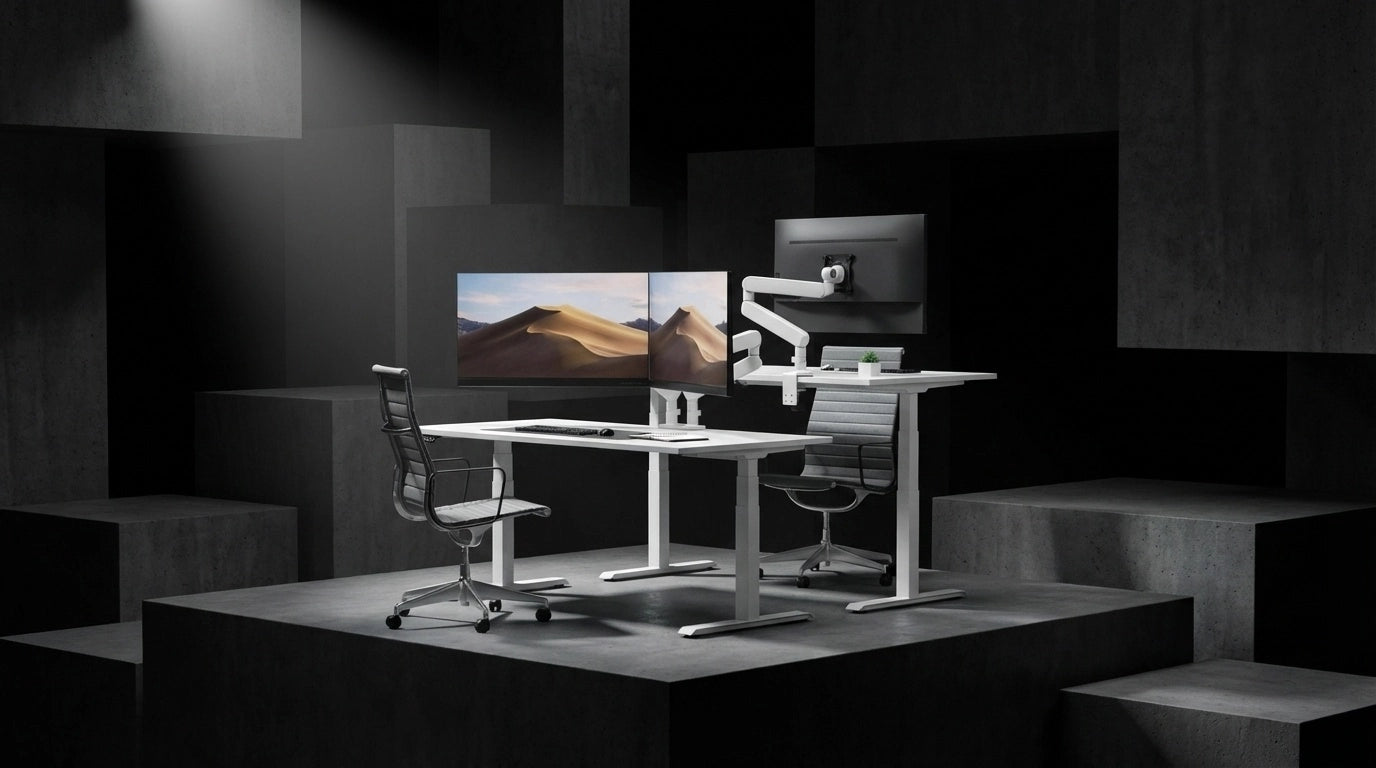
The most effective way to clear the desk surface is to remove the primary hardware anchors: your monitors. Traditional stands often occupy a significant portion of the desk’s depth, forcing your keyboard and mouse into an awkward, cramped position. Modular monitor arms provide a solution by floating your displays, effectively "deleting" the footprint of the original stands. This creates a clean, open area that accommodates larger mechanical keyboards, stream decks, or tablets without forcing you to compromise your posture.
The Power of Modular Alignment
A dual-monitor configuration is standard for most coding workflows, but the challenge lies in maintaining a seamless, gap-free view. A high-quality modular system allows for precise tension calibration, which is essential when working with heavier, ultra-wide screens that would otherwise sag or drift. By utilizing a CTS dual modular monitor arm, you can achieve a "one-cable" aesthetic that keeps the workspace visually quiet.
Key benefits of adopting a modular arm system include: * Dynamic Positioning: Easily adjust the swivel, tilt, and pivot of your screens to match your eye level or to switch between landscape and portrait orientations for reading documentation. * Zero-Guesswork Setup: Built-in tension gauges allow you to lock in the exact weight of your displays, ensuring they stay exactly where you position them throughout the day. * Cable Integration: Most professional-grade arms include channels or clips to route cables along the arm itself, hiding them from view and preventing the "spaghetti" effect that contributes to visual clutter.
Designing for Efficiency
When your monitors are mounted, the space underneath becomes functional rather than wasted. This allows you to position your peripherals for ergonomic efficiency, keeping your hands in a neutral position relative to your shoulders. For developers who frequently switch between different hardware inputs, the ability to rotate or pull a monitor closer provides immediate relief for the neck and eyes during long debugging sessions.
By focusing on modularity, you move away from the "static" desk setup and toward a dynamic environment that adapts to your specific project needs. This functional minimalism not only clears the physical path for your hands and peripherals but also creates a sense of order that is conducive to sustained, high-level concentration. When every tool has a place—and your monitors are no longer tethered to bulky, space-consuming bases—you are free to focus entirely on the logic at hand.
Essential Gear for the 2026 Developer
Beyond the core furniture, the peripherals and accessories you select define the responsiveness of your workstation. As of late 2026, the industry has seen a pivot toward Hall Effect keyboards. These switches utilize magnetic sensors rather than physical leaf-contact mechanisms, providing a smoother, more consistent keypress that significantly reduces finger fatigue during long coding marathons. Pairing this precision input with a minimalist aesthetic keeps your desk clean, functional, and devoid of the visual noise that often triggers mental distraction.
Balancing Hardware ROI
Building the best desk setup for programmers requires a strategic approach to your budget. With current data indicating that optimal setups allocate 30% of funds to high-resolution monitors and 25% to ergonomic seating, developers are increasingly treating their equipment as a long-term capital investment. This 55% allocation toward these two categories ensures that the hardware supporting your eyes and spine receives the necessary resources to maximize your daily output.
When distributing the remaining portion of your budget, consider the following functional upgrades: * Modular Cable Management: Utilize cable trays and sleeves to maintain the "one-cable" lifestyle. Reducing visual clutter is not just an aesthetic choice; it streamlines your workflow by allowing you to transition between tasks without navigating a mess of wires. * Precision Peripheral Placement: Use adjustable monitor arms to ensure your screens are positioned at eye level, preventing the "tech neck" associated with looking down at laptop displays. * Input Ergonomics: Beyond the keyboard, ensure your mouse or trackpad placement allows your elbows to remain at a neutral 90-degree angle.
Strategic Workspace Planning
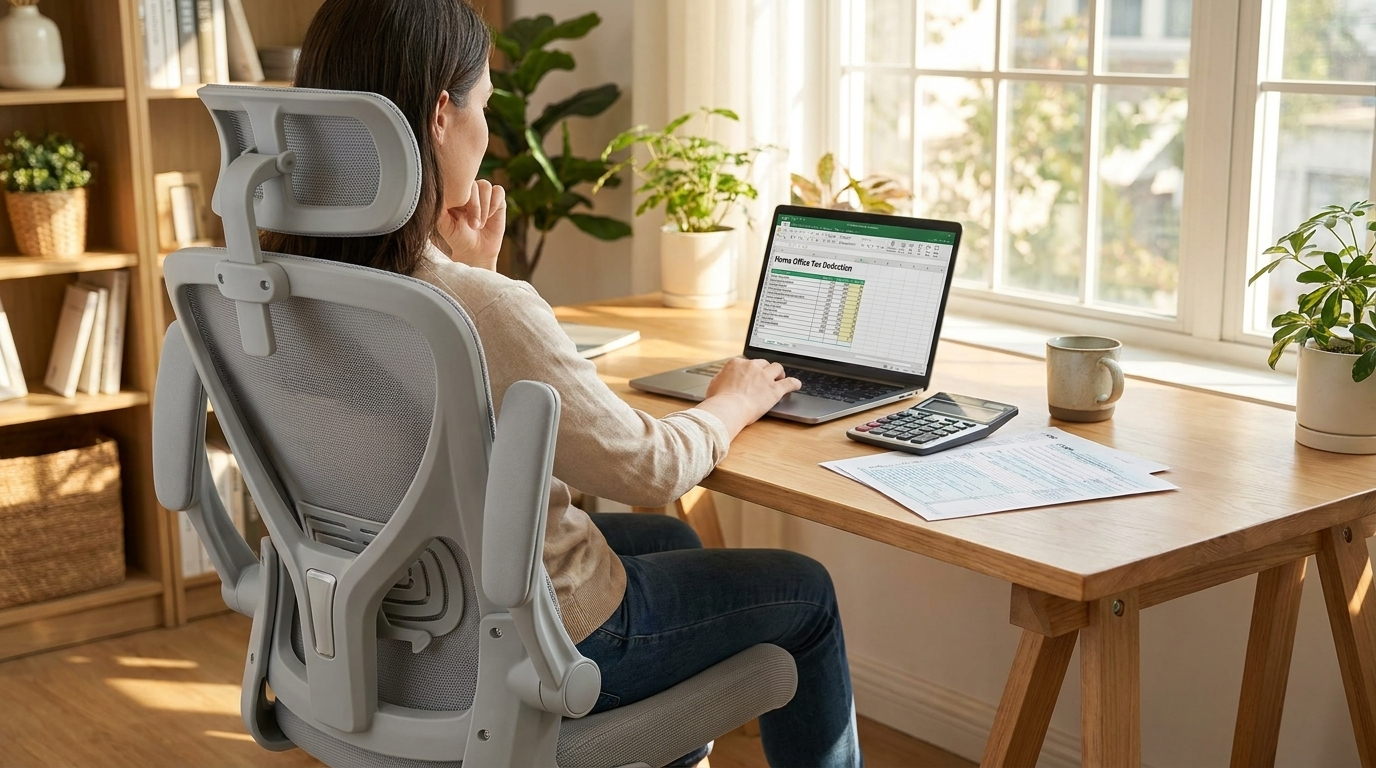
The remaining budget should be reserved for essential accessories that provide tangible health benefits. For those working in a hybrid capacity, it is worth noting that certain office equipment may qualify for tax advantages depending on your local regulations. You can review guidance on maximizing home office furniture tax deductions to determine how these investments can be optimized for your professional situation.
As remote work participation remains stable at roughly 22-23% of the US workforce, the home office has transitioned from a temporary solution to a permanent professional hub. Prioritizing high-quality, durable components over flashy, short-lived tech accessories ensures that your workspace remains an asset to your career rather than a recurring cost. By focusing on the structural foundation of your desk—your chair, your monitor alignment, and your input devices—you create an environment that minimizes physical strain and allows for the sustained focus required for complex, high-level engineering tasks.
Conclusion: Building Your Q4 Command Center
As the year enters its final quarter, the professional focus shifts toward wrapping up complex projects and preparing for the challenges of the coming year. A workspace that served you well in the spring may no longer suffice for the high-intensity, year-end sprints that define the current Q4 landscape. Refining your environment now is not merely about aesthetic preference; it is a strategic move to preserve your cognitive and physical stamina as you head into 2027.
Prioritizing Sustainability in Your Workflow
True high-performance minimalism is defined by how well your tools stay out of your way. When you eliminate visual clutter and physical obstacles, you reduce the "friction" between an idea and its execution. For those working in software development or data-heavy roles, the goal is to create a station that remains comfortable during the final, long-haul push of the season.
Consider these principles for your end-of-year review: * Audit your physical load: If your seating or peripheral placement causes you to adjust your posture repeatedly throughout the day, the hardware is failing to support your flow. A professional-grade ergonomic setup is designed to move with you, ensuring your spine remains supported during long, static coding sessions. * Focus on modularity: Trends in late 2026 show that the most efficient workstations are those that can adapt. Whether you are adding a second monitor for documentation or clearing desk space for a notepad and sketching tools, your equipment should facilitate, not dictate, your layout. * Invest in career longevity: The most effective workstations are built on the understanding that ergonomics is a long-term investment. By prioritizing gear that offers precision adjustments and durable construction, you minimize the risk of repetitive strain and fatigue, which are the primary enemies of sustained productivity.
Setting the Stage for 2027
The shift away from the chaotic RGB aesthetic toward a cleaner, more grounded workspace has provided developers with a clearer path to deep work. By choosing neutral tones and high-performance components, you create a professional sanctuary that promotes calm and focus.
The best desk setup for programmers is one that evolves with their career. As you look toward the upcoming year, assess where your current station falls short. Does your chair offer the dynamic lumbar support necessary for those marathon debugging sessions? Is your monitor arrangement maximizing your horizontal desk space? Addressing these details now ensures that you start the next calendar year with a fully optimized command center, rather than playing catch-up with your health and productivity.
Ultimately, your environment is an extension of your professional capabilities. By curating a setup that favors function, minimalist design, and ergonomic integrity, you are building a foundation that supports not just your current projects, but your overall career trajectory. When your workspace is aligned with your goals, the transition into the next year becomes a natural extension of your progress, allowing you to maintain your momentum without the burden of physical or mental distraction.
Frequently Asked Questions
What is the best desk setup for a programmer in 2026?
The current standard for high-performance setups favors a minimalist aesthetic that eliminates distracting RGB lighting in favor of neutral, focus-oriented tones. A top-tier setup includes an ergonomic standing desk, a high-resolution ultrawide monitor, and meticulous cable management to reduce visual clutter.
Why are developers moving away from RGB lighting in their offices?
In 2026, programmers are shifting toward high-performance minimalism to minimize visual distractions and foster deep work. This trend prioritizes a clean, professional environment over the gaming-centric aesthetics that dominated previous years.
Is an expensive ergonomic chair a good investment for developers?
Yes, ergonomics is now widely viewed as a critical career-longevity investment for developers who spend long hours at their desks. Investing in high-quality support helps mitigate physical strain and ensures you can maintain productivity throughout your career.
How can I improve my workspace for the Q4 season?
A late summer workspace refresh is the perfect time to prioritize cable management and health-focused upgrades before the busy Q4 period. Focusing on tidying your physical environment and ensuring your setup supports your posture can significantly improve your focus as the year closes.
How common is remote work for programmers in 2026?
Remote work remains a stable part of the professional landscape, with participation holding steady at roughly 22-23% of the US workforce as of mid-2026. This stability reinforces the importance of maintaining a high-quality, dedicated home office setup for those working off-site.

Leave a comment
All comments are moderated before being published.
This site is protected by hCaptcha and the hCaptcha Privacy Policy and Terms of Service apply.