


Introduction: Why Your Desk Lamp is Outdated
The remote work landscape has fundamentally shifted in 2026. With the average professional clocking 13 hours of daily screen time, the traditional desk lamp—once the staple of every home office—is increasingly viewed as a relic of a bygone era. Relying on a single, harsh light source to illuminate a workspace while staring at a glowing monitor creates a massive contrast imbalance, which is a primary driver behind the 69% prevalence of Digital Eye Strain (DES) among computer users.

If you are currently searching for the best desk lamp for eye strain, you may be approaching the problem with an outdated mindset. The modern approach to workspace wellness is no longer about finding a brighter bulb; it is about abandoning the "single-source" lighting trap.
The Problem with Single-Source Lighting
Traditional lamps often cast uneven shadows or create direct screen glare, forcing your eyes to constantly adjust between the high intensity of your monitor and the dimness of your surroundings. This constant micro-adjustment is physically taxing. When you rely on a single light source, you create a "hot spot" on your desk that competes with your screen, leading to: * Contrast Fatigue: Your pupils struggle to dilate and constrict as they shift focus between bright text and dark desk surfaces. * Glare-Induced Headaches: Reflections from traditional lamp shades or bulbs bounce off glass surfaces and screen coatings, adding a layer of visual noise that compounds over a 13-hour shift. * Circadian Disruption: Standard office lighting often lacks the high-CRI (>95) quality required to mimic natural daylight, which can negatively impact your focus and internal sleep-wake cycles.
The 2026 Shift: The Layered Lighting Philosophy
Industry standards are moving toward a three-tier "Layered Lighting" strategy. Instead of one powerful lamp, professionals are now integrating: 1. Task Lighting: Focused light for non-digital paperwork. 2. Ambient Lighting: General room illumination to reduce the contrast between your screen and the wall behind it. 3. Bias Lighting: The most critical component for the modern WFH setup. By using monitor-mounted light bars, you illuminate the workspace immediately in front of the screen without adding glare or cluttering your desk footprint.
This transition toward bias lighting is not merely an aesthetic upgrade; it is a functional necessity. By balancing the light output directly at the plane of your monitor, you eliminate the harsh contrast that causes the majority of eye-related discomfort. As we navigate the current back-to-school and home-office upgrade surge, the shift toward circadian, daylight-mimicking, and monitor-integrated solutions is becoming the new gold standard for long-term health and productivity.
In the following sections, we will explore why moving away from traditional lamps and adopting a modular, integrated setup is the most effective way to protect your vision during those extended hours behind the screen.
The 13-Hour Reality: Why Traditional Lighting Fails
The traditional desk lamp creates a "light trap" for your eyes. When you place a high-intensity lamp on a desk, it often illuminates the surface directly in front of you to levels significantly higher than the brightness of your monitor. Your pupils are then forced to constantly dilate and constrict as they shift focus between the bright desk surface and the darker screen, leading to rapid muscle fatigue.
The Contrast Fatigue Trap
Contrast fatigue is the physiological result of this constant adjustment. When your eyes move between a bright focal point and a lower-ambient environment, the ocular muscles work in overdrive. In a 2026 home office, where screens are often the primary source of light, adding a concentrated, single-source lamp creates a localized "hot spot." This creates an uneven distribution of light that makes the screen appear dimmer by comparison, forcing your eyes to exert more effort to process text and images.
Balancing Your Workspace
To mitigate this, the goal is to achieve visual equilibrium. Rather than searching for the best desk lamp for eye strain that simply offers more lumens, the modern shift is toward "layered lighting." This philosophy involves three distinct tiers:
- Task Lighting: Focused, non-glare illumination for physical documents or peripherals, ideally positioned to avoid direct reflections.
- Ambient Lighting: General room illumination that prevents the room from being pitch-black, which reduces the harshness of the monitor's glow.
- Bias Lighting: Soft, indirect light placed behind or around the monitor to bridge the gap between the screen’s brightness and the wall behind it.
Beyond the Lamp
The most effective way to eliminate the contrast imbalance caused by traditional lamps is to move the light source off the desk surface entirely. By utilizing modular monitor arms, you can clear the desk of lamp bases and cord clutter, creating the necessary space to implement bias lighting solutions that mount directly to your display. This removes the "hot spot" from your immediate field of view and ensures that the light hitting your eyes is diffused rather than direct.
If you are currently evaluating your home office budget, consider how to maximize your 2026 work-from-home furniture stipend to prioritize these ergonomic infrastructure upgrades over traditional lighting fixtures. Moving away from a static desk lamp allows for a more flexible, human-centric workspace that adapts to your natural eye movements rather than fighting against them.

The 2026 Gold Standard: Bias Lighting and Monitor Positioning
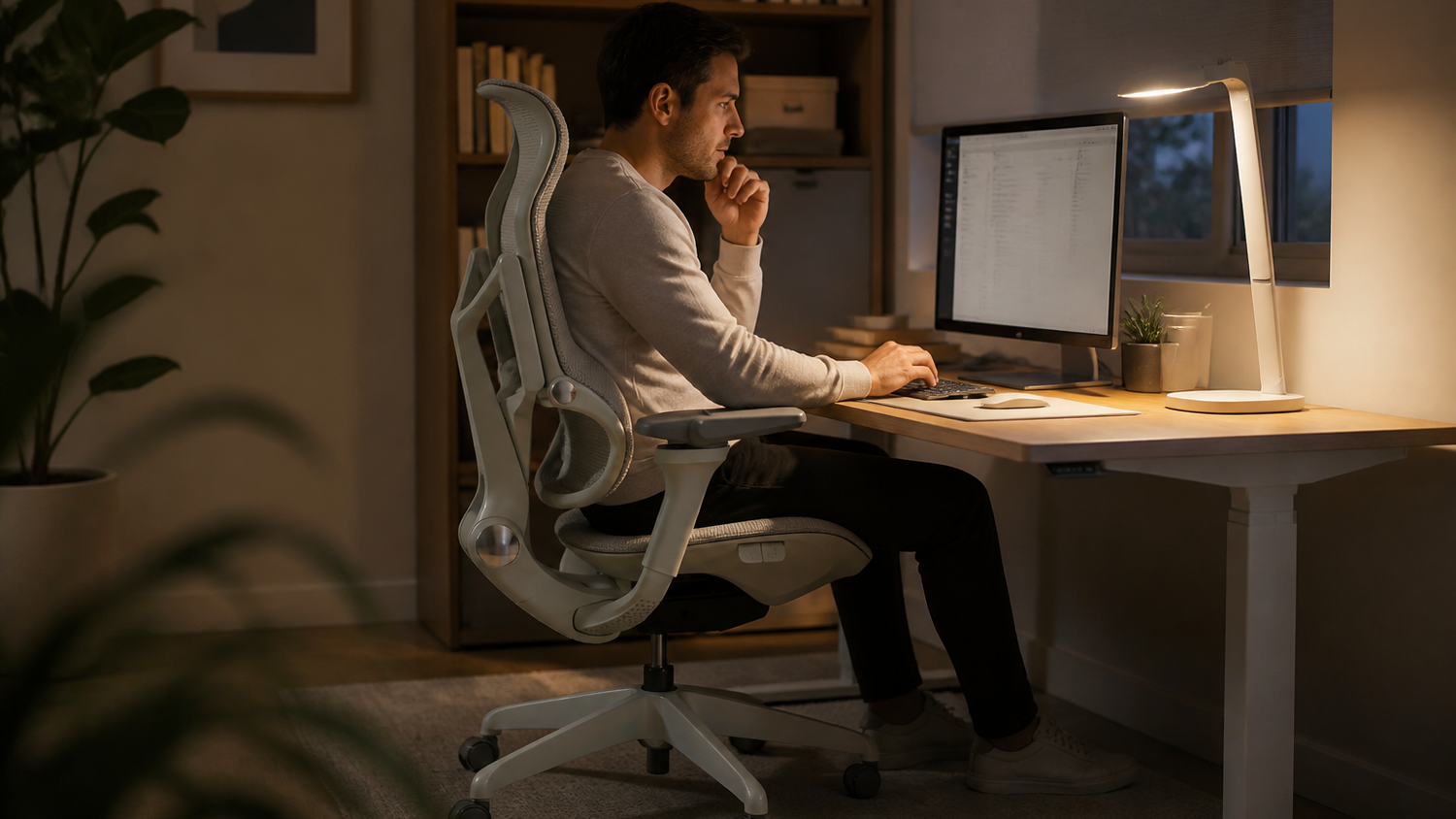
The transition toward a "Layered Lighting Philosophy" marks the most significant shift in workspace design this year. Instead of relying on a singular, high-intensity desk lamp, modern setups prioritize bias lighting—a technique that places a light source behind the monitor to minimize the contrast between your screen and the surrounding environment. By softening the edges of your display, bias lighting reduces the ocular strain that occurs when your eyes struggle to reconcile a bright screen against a dark wall.
The Role of Monitor Arms in Lighting Geometry
Achieving the ideal bias lighting setup requires more than just a light bar; it demands precise control over the physical position of your displays. A high-quality modular monitor arm is essential here, as it allows for the fine-tuned adjustments needed to ensure your light source is perfectly aligned with the monitor’s bezel.
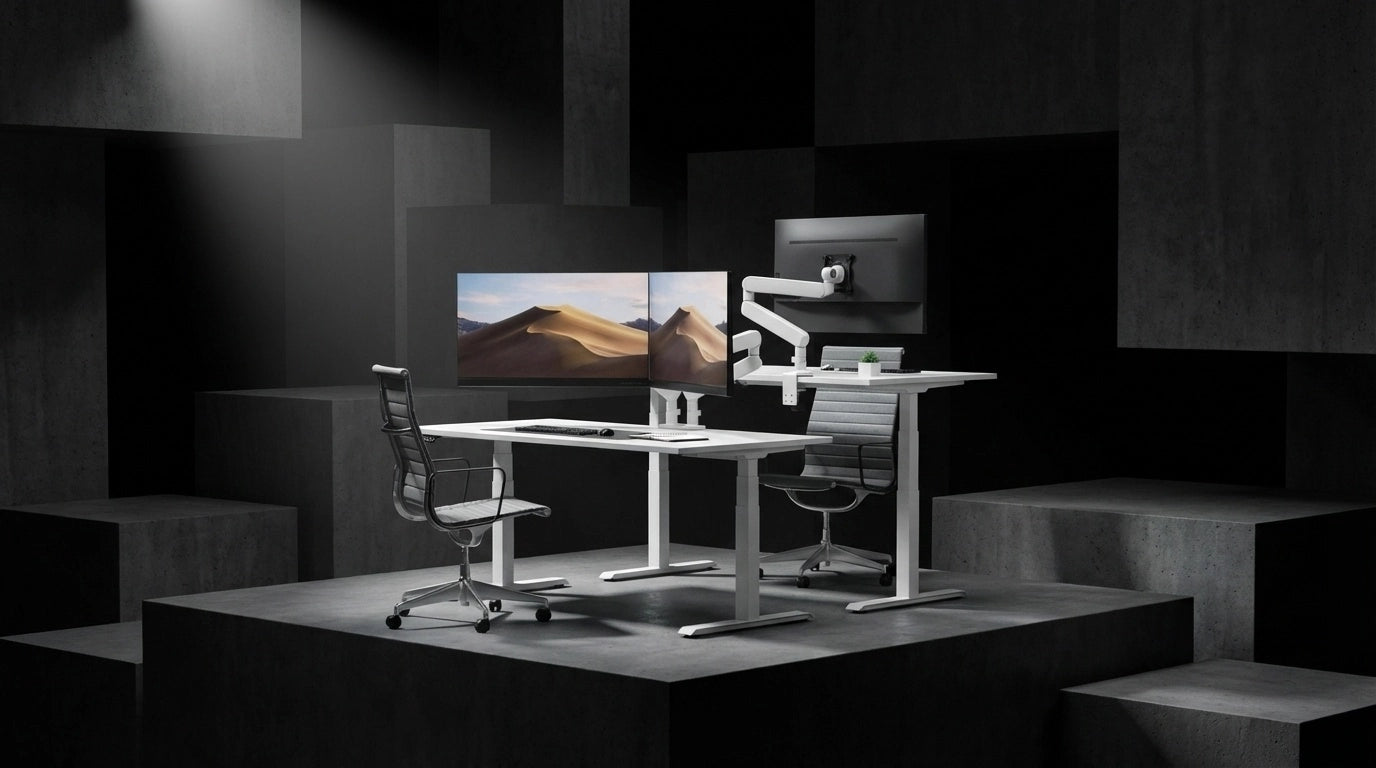
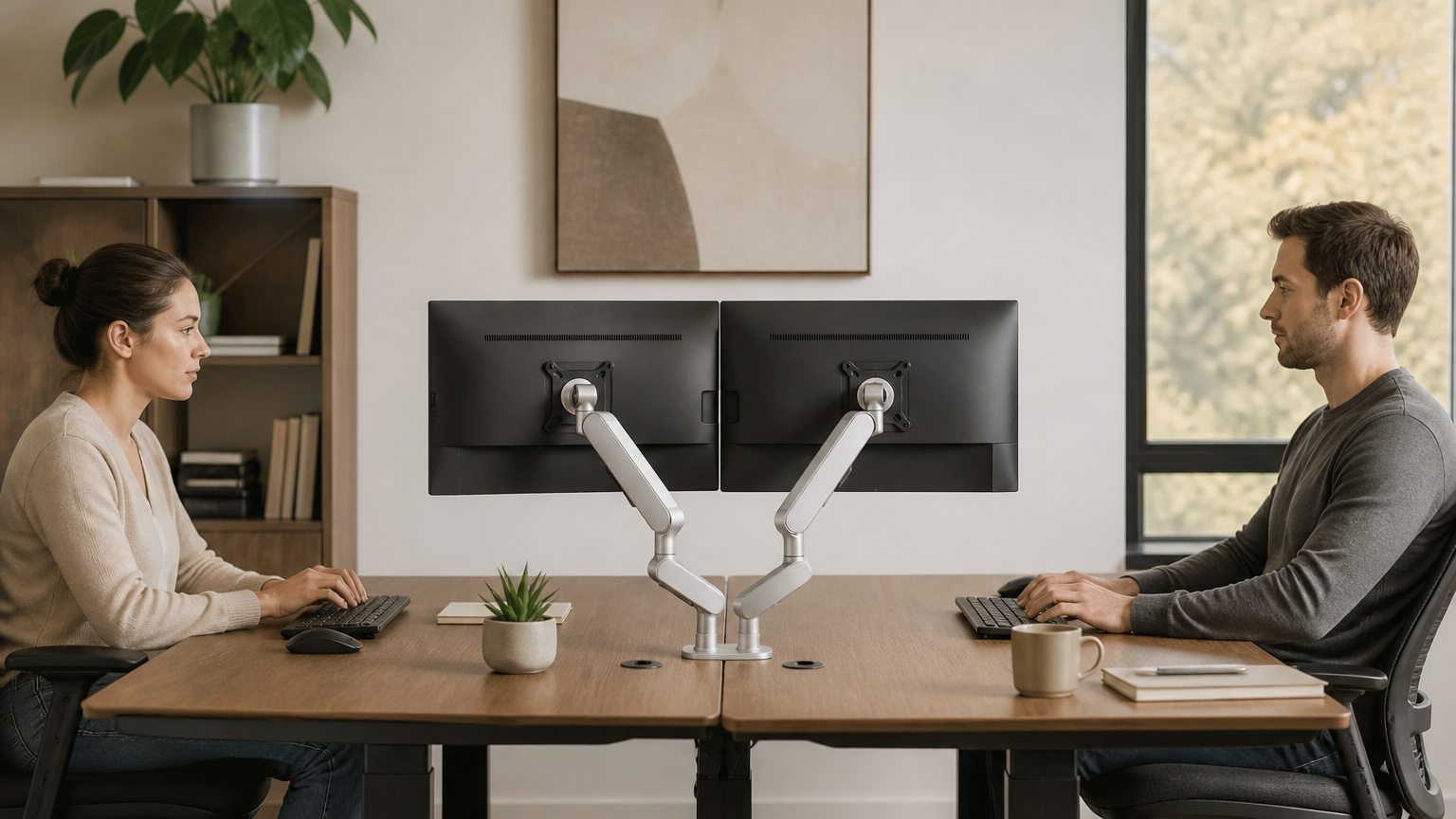
When your monitor is mounted on a flexible arm, you gain the ability to tilt, swivel, and rotate your screens to eliminate the glare that often plagues fixed, factory-stand configurations. By clearing the desk surface of bulky monitor stands, you also create the necessary space for the light to disperse evenly behind the screen, preventing the "hot spots" that traditional lamps often create. The CTS Dual Modular Monitor Arm provides the stable, full-motion flexibility required to maintain these precise angles throughout the day.
Implementing the Three-Tiered Approach
To effectively move away from the outdated "best desk lamp for eye strain" search, professionals are adopting a three-tier system:
- Task Lighting: Focused, adjustable light for paper-based work, kept separate from the monitor’s primary field of view.
- Ambient Lighting: General room illumination that prevents the office from becoming a cave-like environment.
- Bias Lighting: The monitor-mounted light bar that acts as a bridge between the screen and the wall, effectively neutralizing the brightness gap.
This layered approach is not merely an aesthetic choice; it is a functional necessity for the modern remote worker. With 15% gains in reported productivity linked to high-quality, appropriate lighting, the investment in a modular mounting system serves as the backbone of a healthy ergonomic ecosystem. By integrating your lighting directly into your display mount, you remove the clutter that forces you into awkward, strain-inducing postures, allowing for a more seamless transition between deep-focus tasks and screen-heavy workflows.
As the industry moves toward circadian-aligned workspaces, the focus has shifted from the intensity of the light to the quality and placement of the light. Utilizing a modular arm to achieve a glare-free, bias-lit setup is the most effective way to protect your vision during those extended periods of daily screen time.
Monitor Arm vs. Desk Lamp: Ergonomic Workspace Optimization
While the search for the best desk lamp for eye strain often leads to high-end LED fixtures, the most effective solution for the modern professional isn't a new lamp at all—it is reclaiming the desk surface and optimizing the geometry of the workspace. Traditional lamps occupy valuable real estate and often create localized hot spots, which only contribute to the visual clutter that keeps the brain in a state of constant, low-level distraction.
Redefining Workspace Geometry
The physical placement of your monitor is as critical to eye comfort as the light hitting your desk. When a monitor is perched on a static stand, it is frequently set at a fixed height that forces the neck into a downward tilt, commonly known as "tech neck." This posture not only causes cervical strain but also alters the angle at which your eyes perceive light.
By utilizing a modular monitor arm, you can achieve precise, floating alignment that brings the screen to your natural eye level. This creates two immediate ergonomic advantages: * Neutral Neck Alignment: By elevating the display to match your line of sight, you eliminate the need to hunch, allowing the neck to maintain its natural curvature. * Reduced Ocular Effort: When the screen is perfectly aligned with your gaze, the eyes do not have to compensate for poor viewing angles, which significantly reduces the muscle tension associated with prolonged focus.
Clearing the Clutter for Better Light Diffusion
Creative professionals and high-intensity workers benefit from the "Layered Lighting Philosophy" by removing physical barriers between them and their environment. A bulky desk lamp creates a rigid boundary, often casting shadows that force the eyes to work harder to interpret depth and contrast.
Replacing a lamp with a monitor arm setup clears the desk surface entirely. This "open-desk" approach facilitates better distribution of ambient light across the entire workspace, preventing the harsh transition between a brightly lit desk and a darker periphery. When the monitor is mounted on a flexible, modular arm, you also gain the ability to shift your screen position throughout the day—a simple movement that shifts the focal point of your eyes and provides essential micro-breaks for the ocular muscles.
The Shift Toward Minimalist Ergonomics
The 2026 standard for a healthy workspace is predicated on the removal of unnecessary hardware. Every object on your desk that isn't essential for task completion—such as a large lamp base—is a potential source of visual noise. By integrating a modular monitor arm, you effectively replace a static light source with a dynamic, ergonomic foundation. This move allows for a cleaner, more adaptable environment where your lighting is integrated into the display setup, ensuring that your workspace remains functional and free from the physical constraints that lead to fatigue.
Focusing on the intersection of monitor positioning and light diffusion allows for a more sustainable, long-term approach to office wellness, moving the focus away from purchasing more equipment and toward optimizing the equipment you already rely on.
Achieving the Perfect Ergonomic Desk Setup
Achieving a truly ergonomic desk setup requires moving beyond the singular focus of a lamp. When you spend 13 hours a day at your desk, your workspace must be viewed as an integrated ecosystem where lighting, posture, and spatial efficiency work in tandem to mitigate physical and visual exhaustion.
The Three-Tier Lighting Philosophy
To replace the outdated reliance on a single desk lamp, adopt a tiered approach that mimics natural light distribution:
- Task Lighting: Targeted, localized light for non-digital work, such as handwriting or reviewing physical documents. This should be adjustable and shielded to prevent glare from hitting your screen.
- Ambient Lighting: General room illumination that provides a baseline level of brightness, preventing the "dark room/bright screen" phenomenon that triggers eye fatigue.
- Bias Lighting: The modern essential. By positioning a light source behind your monitor, you create a soft halo that eases the transition between the display and the wall, effectively neutralizing the harsh contrast that often leads people to search for the best desk lamp for eye strain in the first place.
The Ergonomic Checklist
An optimized workspace is one that minimizes micro-adjustments and visual clutter. Use this checklist to audit your current setup:
- Vertical Alignment: Your monitor should be positioned so the top third of the screen is at eye level. This prevents the neck strain associated with persistent downward tilting.
- Surface Clearance: Remove bulky lamp bases and cables from your desk. A clear surface reduces visual distraction and allows for a more flexible arrangement of your keyboard and mouse.
- Dynamic Flexibility: Ensure your monitor can be adjusted for distance and tilt throughout the day. Your needs at 9:00 AM may differ from your needs during a late-afternoon deep-work session.
- Glare Mitigation: Position your desk perpendicular to windows, rather than facing them or having them at your back. If you must work in a high-glare environment, prioritize monitor arms that allow for precise angle adjustments to deflect reflections.
Reducing Visual Clutter for Cognitive Focus
Beyond the physical health of your eyes, the mental toll of a crowded desk is significant. Traditional desk lamps occupy valuable real estate, often forcing you to compromise on the placement of your monitor or documents. By moving lighting off the desk surface—using monitor-mounted bars or wall-mounted systems—you eliminate the physical barriers that prevent you from finding a comfortable, natural posture.
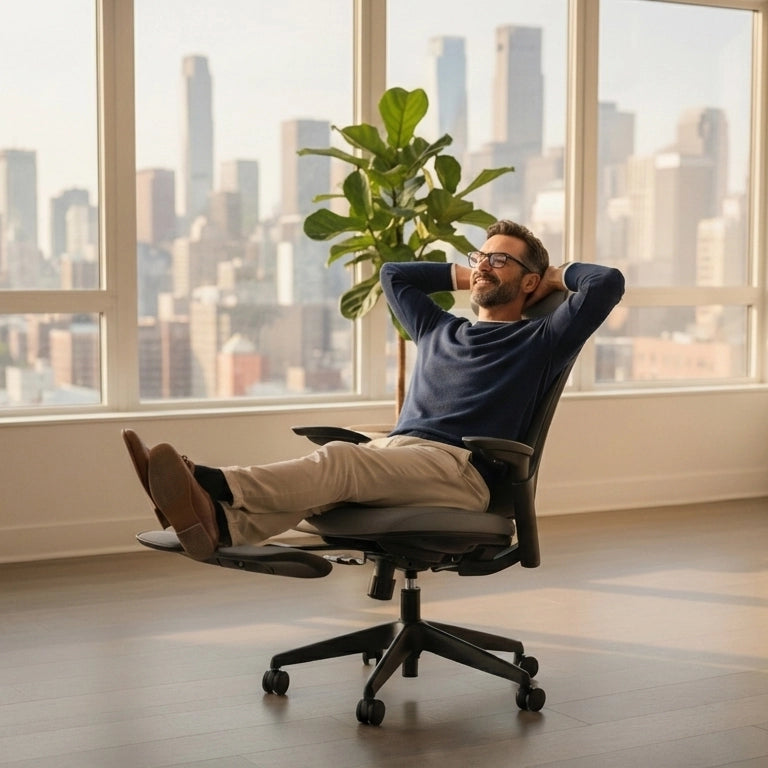
When your equipment is modular and out of the way, you gain the freedom to shift your position, recline, or stand without navigating around static hardware. This fluidity is the hallmark of a high-performance 2026 workspace. By prioritizing geometry and layered light, you eliminate the need for the traditional, space-consuming desk lamp, creating an environment that supports both your visual health and your long-term productivity.
Conclusion: Investing in Long-Term Workspace Wellness
The search for the best desk lamp for eye strain is, in reality, a search for a more balanced visual environment. By the time you reach the end of a 13-hour workday, the cumulative impact of poor lighting and rigid, static equipment becomes impossible to ignore. Moving away from the reliance on a single, aging desk lamp is not just a design choice—it is a necessary evolution for your long-term health and professional performance.
A Holistic Approach to Workspace Wellness
True workspace wellness requires shifting your perspective from "buying more equipment" to "optimizing your ecosystem." When you replace a clunky, space-consuming lamp with a combination of bias lighting and a modular monitor arm, you achieve several critical goals: * Reduced Ocular Load: By illuminating the wall behind your monitor, you eliminate the harsh contrast that triggers digital eye fatigue. * Spatial Clarity: Removing the physical footprint of a desk lamp clears your field of vision, allowing for a more focused, uncluttered mental state. * Dynamic Adjustability: A modular arm allows you to move your screen to the exact height and angle that aligns with your natural line of sight, preventing the neck strain that often accompanies visual fatigue.
The Foundation of Future-Proofing
The modern, human-centric workspace is built on the understanding that your environment should adapt to you, not the other way around. Investing in high-quality, adjustable components—like arms that allow for seamless screen repositioning—provides the foundation for a setup that supports both your physical posture and your visual comfort. When your desk is no longer cluttered with outdated lighting hardware, you create the breathing room necessary for deep, uninterrupted work.
Quality lighting and ergonomic positioning are not luxuries; they are the primary drivers of sustained productivity. As we move further into 2026, the most successful professionals are those who prioritize these foundational elements. By moving toward a layered lighting philosophy and utilizing high-precision mounting systems, you are doing more than just configuring a desk—you are investing in a sustainable way to work that protects your vision and enhances your daily focus.
Your workspace is the stage for your most important contributions. Elevating the standard of that environment ensures that your focus remains on your creative output, rather than the physical discomfort of an outdated, poorly lit desk. By making the switch to an integrated, ergonomic setup, you are choosing a path that prioritizes longevity and well-being, ensuring that your office remains a place of efficiency for years to come.
Frequently Asked Questions
Are monitor light bars better than traditional desk lamps for eye strain?
Yes, monitor light bars have emerged as the 2026 gold standard because they illuminate your workspace without causing screen glare or reflections. Unlike traditional lamps that create hotspots on your desk, these bars provide even, focused lighting that significantly reduces digital eye strain.
What is human-centric lighting and why is it important for home offices?
Human-centric lighting is a 2026 design trend that adjusts color temperature and brightness to mimic natural daylight cycles. By aligning your workspace lighting with your circadian rhythm, it helps maintain focus during the day and prevents sleep disruption at night.
How can I prevent digital eye strain while working at my computer?
With digital eye strain affecting 69% of computer users, experts recommend adopting a layered lighting approach that combines ambient room light with a dedicated task light. Using a monitor light bar and taking regular breaks can further minimize the fatigue caused by prolonged screen exposure.
What should I look for in a back-to-school desk lamp for students?
For students, prioritize lamps that feature circadian or daylight-mimicking technology to support healthy study habits. These lamps are currently in high demand because they provide consistent, high-quality light that reduces the visual fatigue associated with long hours of reading and digital work.
How does layered lighting help reduce eye fatigue?
Layered lighting prevents the high-contrast environment created when a bright screen is the only light source in a dark room. By balancing your monitor light with soft ambient or task lighting, you reduce the effort your eyes exert to adjust to varying brightness levels.

Leave a comment
All comments are moderated before being published.
This site is protected by hCaptcha and the hCaptcha Privacy Policy and Terms of Service apply.