





In the article "90-90-90 Rule: 'Golden Ratio' of Office Productivity," Sunaofe introduced "Static Load," which causes hidden exhaustion from forced stillness. The average professional now spends upwards of 11 hours a day tethered to a screen, from computer to phone. By the time 5:00 PM rolls around, the hidden exhaustion that most people feel includes a tight neck, "heavy" eyes, and a confused brain.
If you’ve ever been told to "just put the phone down," you know how unhelpful that advice is in a digital-first world. You can’t just quit your laptop, but you can change how it affects your biology. This guide dives into the science of the drain and provides you with a high-performance toolkit—from ergonomic hacks to neurochemical resets—to help you reclaim your wellbeing without giving up your tech.
Drain 1. Bio-Mechanical Toll (Ergonomics & Vision)
While we often think of "screen time" as a mental issue, the drain begins physically, with conditions like tech neck and digital eye strain. It is caused by the body entering a state of high-tension stillness when maintaining eye contact with a fixed point for hours.
60-Pound Problem (Tech Neck)
The head weighs about 10–12 pounds in a neutral position. However, for every inch you tilt your head forward to look at a laptop or phone, the effective weight on your spine doubles. At up to 60 pounds of pressure, it means your head is at a 60-degree tilt. This constant strain leads to "Creep," which, in medical terms, refers to the stretching of ligaments and the compression of intervertebral discs.
Danger of Stillness (Static Load)
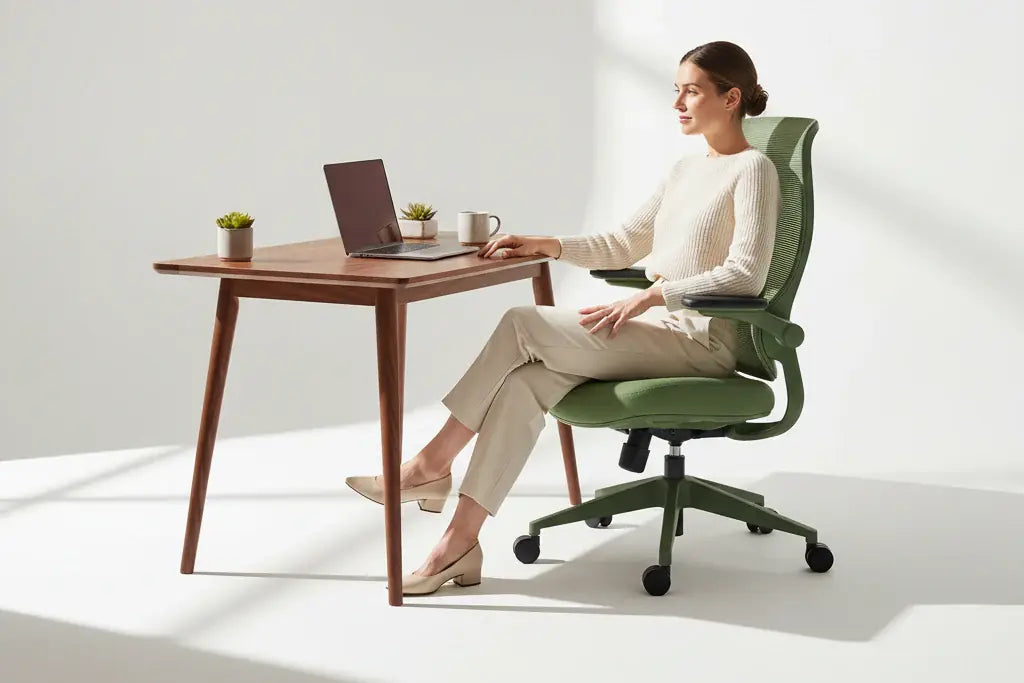
The correct sitting posture follows the "90-90-90-90 Rules," with the fourth "90 rule": the arm at a 90-degree angle with the armrest. Most people think "good posture" is a fixed position follwing above rule. In reality, holding any position for too long restricts blood flow and starves your muscles of oxygen. In medicine, call it Static Load.
Screens act as "posture magnets," freezing us in place and causing deep-tissue fatigue that leaves us physically exhausted by midday.
Blink Rate Crisis (Digital Eye Drain)
Human beings normally blink about 15–20 times per minute. Medical research shows that the blink rate drops by 60% to 70% while staring at a screen. It will cause the eye lack lubrication, which is the predominant cause of Xerophthalmia. Combined with the "Ciliary muscle" in your eye being permanently contracted to focus on near-field light, this can lead to headaches, blurred vision, and "burning" eyes.
Drain 2. Neuro-Chemical Trap (Dopamine & Grey Matter)
Do you think you feel "hooked" yet "hollow" after hours of scrolling? This is the damage of "Neuro-Chemical Trap." In this section, Sunaofe will help you explore how screens reconfigure your brain's chemistry and physical structure.
1. Dopamine Loop: "Slot Machine" in Your Pocket
Dopamine is the brain's "seeking" chemical, which helps us find safety and lets us excite. Every notification, like, or "new" piece of information triggers a release of dopamine.
A Dopamine Loop in using a screen: you seek a reward, get a tiny hit, and immediately feel the urge to seek again. This constant state of high-arousal multitasking leads to "Switching Cost"—the cognitive tax your brain pays every time you shift focus.
Studies show it can take up to 23 minutes to return to deep focus after one "quick" check of a notification. Of course, it’s exploited by app designers to create "Infinite Scroll" environments now to improve user engagement.
2. Grey Matter Decline
Perhaps the most startling research (highlighted by AdventHealth) involves the physical structure of the brain. Prolonged, high-intensity screen use is linked to a reduction in Gray Matter in the frontal lobe. This is the area of the brain responsible for "Executive Function"—your ability to plan, prioritise, and control impulses.
3. The "Urgency Stress" Response
Screens create an artificial sense of urgency. The "ding" of an email or the "ping" of a Slack message triggers a micro-stress response (cortisol). When your brain is subjected to hundreds of these micro-stresses daily, you enter a state of "Continuous Partial Attention." You are never fully present or at rest.
Drain 3. Circadian Sabotage (Blue Light & Melatonin)
Screens hijack your internal clock, tricking your body into a permanent state of biological confusion.
1. The Melatonin Suppression
People’s brains are hardwired to associate blue light, specifically the short-wave blue light emitted by LEDs, with the sun. When we look at a screen at 10:00 PM, the brain thinks it’s 10:00 AM. This suppresses melatonin, the hormone responsible for deep, restorative sleep. Therefore, the medical expert always suggests not using a computer or phone for 1 hour before going to bed.
2. The Skyscraper Upgrade: "Social Jetlag"
Many of us maintain strict screen habits during the work week, but "binge-scroll" or game late into the night on Friday and Saturday. This shifts your circadian rhythm by 2-3 hours over the weekend. By the time Monday morning arrives, your body is effectively suffering from digital jetlag.
So, many people feel tired on Monday, but they don’t think that's the case, since it marks the start of a new workweek.
Sunaofe Health Insight: Chronic circadian disruption is linked to more than just fatigue—it's a primary driver of metabolic syndrome and weakened immune function.
Drain 4. Sedentary "Body Fog" (Metabolism & Movement)
We often blame our "brain fog" on a lack of caffeine, but the reality is often found below the neck. When we are tethered to a screen, our bodies enter a metabolic "standby mode." This section explores how screen-centric work creates a physical drain that no amount of coffee can fix.
1. The Metabolism Trap
When you sit for prolonged periods—a state the Mayo Clinic refers to as the "sitting disease"—your body’s ability to process fats and sugars slows down significantly. Research shows that as soon as you sit, the enzyme activity that breaks down fat (lipoprotein lipase) drops by as much as 90%.
2. The "Active Sitting" Shift
Most people think the best solution is to "go to the gym for an hour." However, modern sports science (and Aaptiv’s research) suggests that a 60-minute workout cannot undo the damage of 8 hours of static sitting. Screen use effectively kills our NEAT, locking our joints and slowing our lymphatic system.
Drain 5. Social Comparison Paradox (Emotional Wellbeing)
The final, and perhaps most subtle, drain is emotional. We often turn to screens to "relax" or "connect," yet we frequently walk away feeling more isolated and anxious than when we started. This is the Social Comparison Paradox.
Screens often trick our brains into thinking we are socializing when we are actually just spectating. At the same time, real interaction releases oxytocin—the "bonding hormone" that lowers stress. The secret to emotional screen health isn't necessarily less time; it’s better intent.
Digital Wellbeing Solution Guide: Your Master Toolkit to Balance Health and Screen
In the 5 sections above, Sunaofe introduces the "Drain." To truly protect your health in a screen-centric world, you need a system. This section categorizes the solutions discussed into a daily workflow to help you maintain peak physical and mental performance.
1. The Daily Routine: A Chronological Approach
Balance isn't about quitting tech; it's about timing it.
Morning (The Reset): Get 10 minutes of natural sunlight within an hour of waking. This anchors your circadian rhythm and counteracts the "Social Jetlag" from weekend screen use.
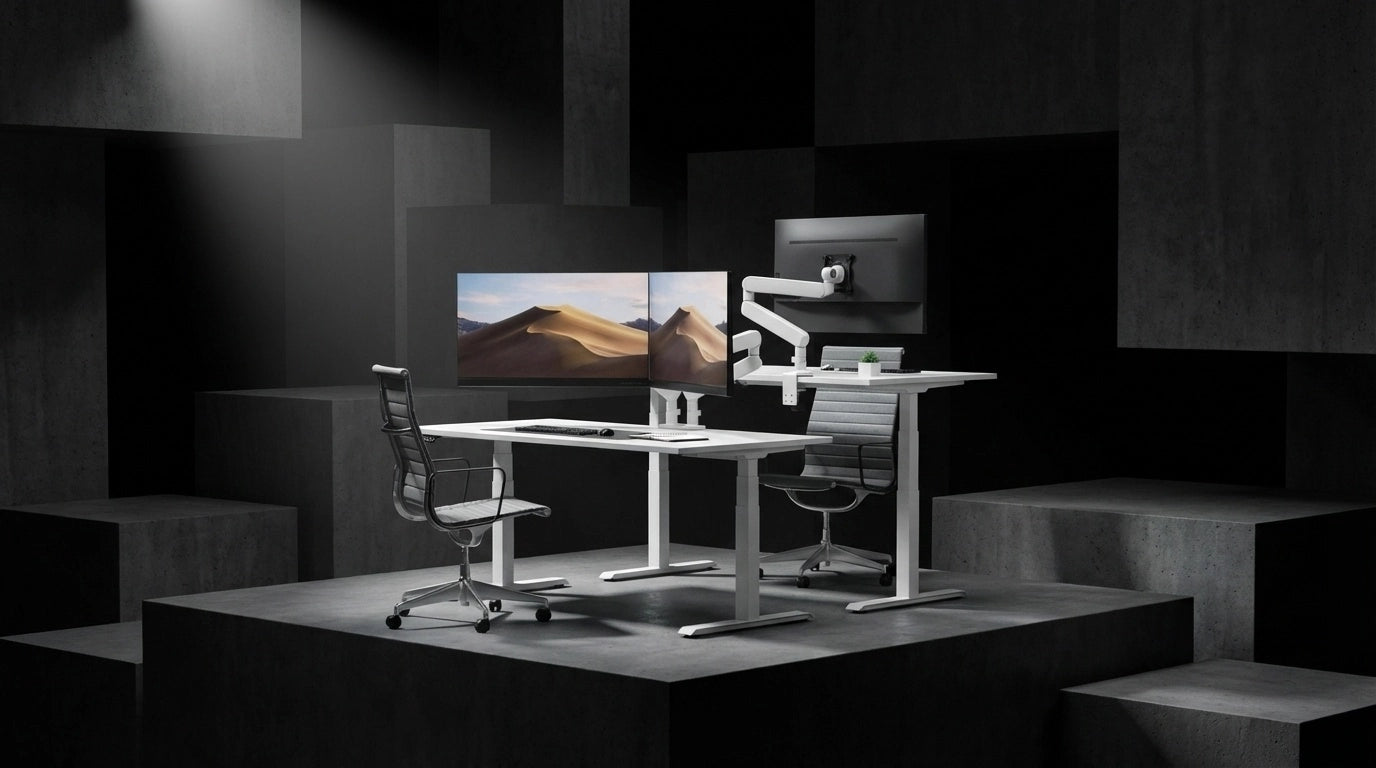
Workday (The 30-15-5 Flow): Use a timer to rotate your posture every 30-15-5. Sit for 30 minutes, stand for 15, and move for 5. During that 5-minute move, perform "Movement Snacks" (stretching or walking) to restart your metabolic enzymes. While working, you can use a standing desk to push it.

Evening (The Digital Sunset): Set an alarm for 90 minutes before bed. This is your "hard stop" for blue-light-emitting devices, allowing melatonin to flood your system for deep, restorative sleep.
2. The Hardware & Environment Setup
Fix your physical space to prevent the "Bio-Mechanical Toll."
- Monitor Height: The top third of your screen should be at eye level. If you use a laptop, buy a stand and a separate keyboard/mouse to save your neck. For a computer, most people will use a monitor arm to adjust the screen height.
- Visual Breaks: Stick a Post-it note on your monitor that says "20-20-20." Every 20 minutes, look 20 feet away for 20 seconds to relax your eye muscles.
- Grayscale Hack (for phone): Set your phone’s accessibility shortcut to "Grayscale." When the screen is black-and-white, the neurochemical "pull" of the apps disappears.
The "Invisible Drain" of screen time doesn't have to be your professional reality. You now have the science-backed toolkit to protect your eyes, your brain, and your biological clock. But even the best habits can’t fully overcome a workspace that is working against you.
At Sunaofe, they design furniture specifically to solve the "Screen Drain." Their ergonomic solutions are built to keep your body in motion and your spine in its natural alignment.



Laisser un commentaire
Tous les commentaires sont modérés avant d'être publiés.
Ce site est protégé par hCaptcha, et la Politique de confidentialité et les Conditions de service de hCaptcha s’appliquent.